5 min read
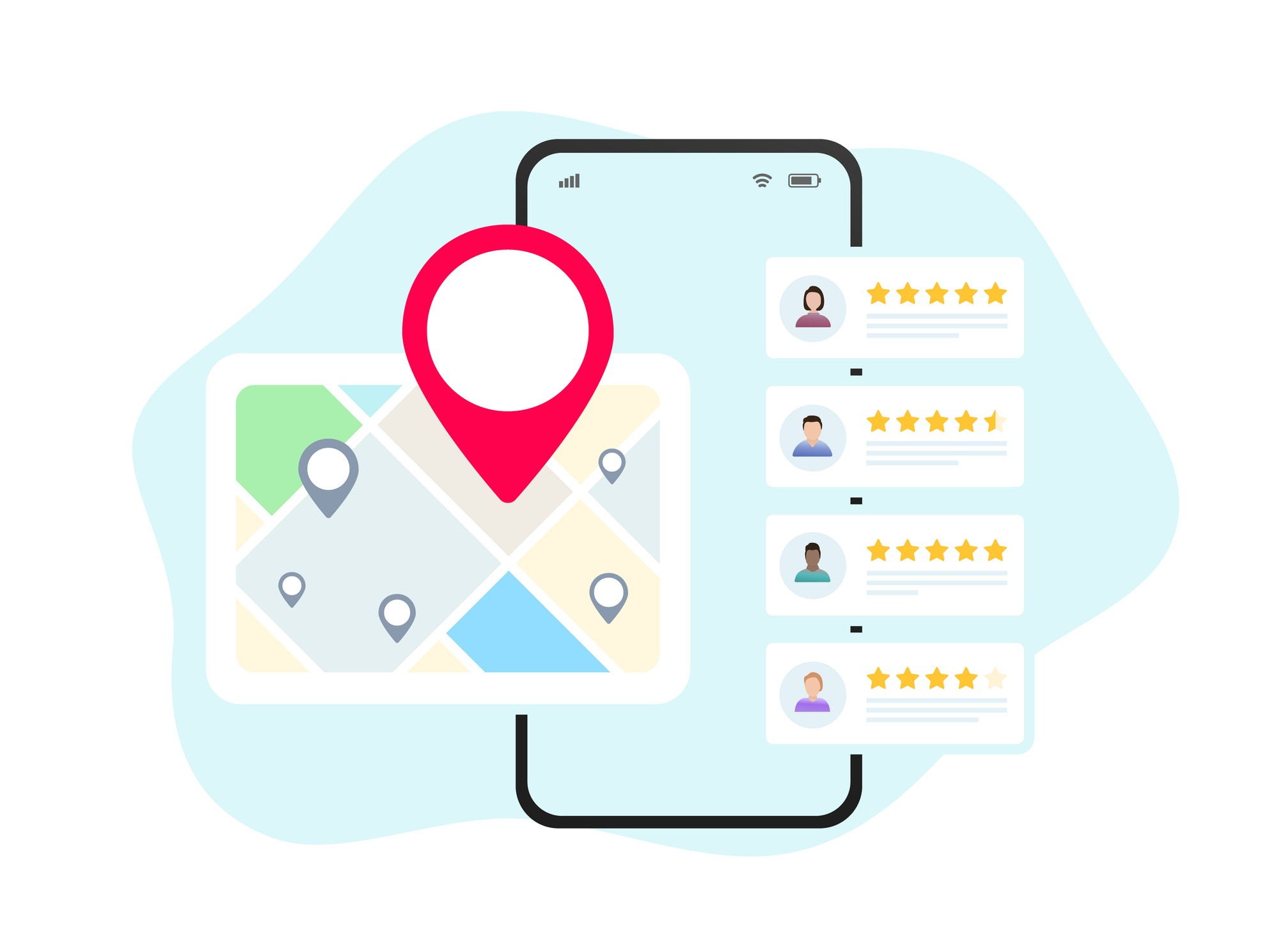
Your reviews answer a family's trust question before they ever dial, and Google counts them when it decides who ranks.

VP of Product
Home care agencies earn more Google reviews by asking right after a positive care moment and making the ask one tap. Google states in its own Business Profile documentation that review count and score factor into local ranking, so each review compounds.
Before a family calls your home care agency, they've likely already formed an opinion of you. That opinion often comes from a handful of Google reviews, read on a phone screen at 11 p.m. while someone decides who to trust with a parent's care. If you run marketing, admissions, or ownership at a home health agency, your reputation on Google is doing sales work around the clock, whether you're managing it or not. This guide covers how to earn more reviews without pressure, how to respond safely, and how to connect that reputation to faster consultations. For the mechanics behind visibility itself, see our guide to ranking on Google.
Why Google Reviews Matter So Much for Home Care Agencies
Google reviews matter because families read them before they ever dial your number, and because Google uses them when it decides who ranks. Google's own Business Profile Help guide to improving local ranking says prominence is based partly on how many reviews you have, and that more reviews and positive ratings can help your business's local ranking.
That matters more for home care than for most local businesses. Families aren't shopping for a restaurant. They're deciding who gets a house key and time alone with a parent, and reviews are often the only outside evidence they have to go on.
The First-Call Advantage
Families in the middle of a caregiving decision are stressed and short on time. They tend to call the agency that feels safest first, and reviews shape that feeling long before your phone rings. A review describing a caregiver's reliability or warmth often reassures a worried adult child more than a polished website ever could.
Referral Confidence From Discharge Planners
Hospital discharge planners and care managers check your reputation too, and many struggle to find it when they need it most. In 2023, a study in Health Services Insights, Hospital Discharge Planners Need More Information When Referring Patients to Home Health Care, surveyed 58 discharge planners from 27 Michigan hospitals in mid-2020 and found more than 90% of respondents reported high utility of having information on home health agencies' reputation and general quality, but only 34% and 60% of respondents had such information readily available.
That gap is an opportunity. A recognizable, well-reviewed Google profile makes it easier for a discharge planner to feel comfortable recommending your agency over one they know nothing about.
Caregiver Hiring and Reputation
Caregivers weigh your reputation too, even if they never say so in an interview. Job seekers routinely research an employer's online reputation before applying, and a page full of thank-you reviews signals a supportive place to work. Strong ratings help you compete for caregivers, not only clients, which matters when recruiting and screening caregiver candidates already eats up hours every week.
What This Means for Your Marketing Budget
A strong review profile also does quiet marketing work you don't have to pay for. Paid search and social ads get more expensive every year, but a family that already trusts your reviews needs less convincing once they land on your site or call. Fewer resources spent overcoming skepticism means more budget for outreach that actually grows census.
Put together, these dynamics, first impressions, referrals, hiring, and marketing efficiency, all point the same direction: your Google reviews are working whether or not you're actively managing them. The only question is whether they're working for you or quietly working against you.
When Should You Ask a Family for a Google Review?
The best time to ask is right after a clear, positive moment, not on a fixed schedule. Requests tied to a specific event, such as a smooth first week or a caregiver praised by name, give the family something concrete to write about, which a generic quarterly reminder can't.
Picture a caregiver who just helped a client return home safely after a hospital stay, and the family texts your office to say thank you. That's the moment to reply and mention the review link, not three weeks later during a routine check-in call.
Train your team to notice these moments as they happen:
The first week of care goes smoothly
A family thanks a caregiver by name
A care plan adjustment clearly helps
A short-term care episode wraps up well
A client or family member sends an unprompted thank-you text or email
Keep the ask friendly and low pressure. A simple script works well: "It really means a lot to our caregivers when families share their experience on Google. It helps other families find support. If you'd like, I can text you the link." No pushing, and no follow-up if someone says no.
Setting Up a Frictionless Review Link and QR Code
Setting up a frictionless link starts inside your own Google Business Profile, not a third-party tool. Google Business Profile Help confirms that owners can generate a direct review link or a downloadable QR code from Business Profile, Read Reviews, Get more reviews, ready to share on receipts, in emails, or in print.
Auditing Your Current Profile First
Before you chase new reviews, make sure your Google Business Profile itself is complete. Check that your agency name, service area, phone number, and hours are accurate, and add recent photos of your team or office. A thin or outdated profile undercuts even a strong star rating, since families notice when basic details look neglected.
Getting Your Direct Review Link
Log into the Google account that manages your business profile, then search your agency name on Google. Your management panel appears at the top of the results. Click "Ask for reviews" and copy the link Google provides. That link should open the review form in two clicks or less, and it belongs everywhere you communicate.
Adding QR Codes Where Families Already Look
QR codes are easier than typing a link, especially for a busy adult child managing a parent's care from their phone. Good spots include intake folders, welcome packets, caregiver leave-behind cards, family newsletters, and billing statements. Stick with Google's own code or a well-known generator, since some free QR tools lock codes behind a paywall later.
Making the Link Easy to Find on Your Website
Don't bury the link. Add a clear button labeled "Leave a Review" or "Share Your Experience" to your website footer, your family resources page, and the confirmation screen someone sees after submitting a contact form.
See Alita in action
Book a quick demo and watch every inquiry turn into a booked tour, consultation, or interview.
Placing Review Requests Where Families Already Look, and Reusing Positive Feedback
Review requests work best when they show up in more than one place, not just at checkout. Repeating the ask across intake folders, follow-up emails, and caregiver leave-behind cards gives each family several easy chances to respond, instead of one moment they might miss. For a longer list of ideas, see our guide to 15 high-impact places to display positive reviews.
Once you have reviews, don't let them sit in one place. Reuse them in:
Social media posts
Website testimonials
Caregiver recruiting pages
Email newsletters
Printed brochures and intake packets
Staff recognition boards
Seeing the same message in several places builds a family's confidence faster than any single five-star badge can.
How Often Should You Ask?
There's no fixed quota, but consistency beats bursts. Asking a handful of families each month, tied to real moments, builds a steadier stream of reviews than a single push around a marketing deadline. It also keeps your profile looking active, which matters to families comparing agencies whose last review is months old.
Involving Caregivers Without Pressuring Families
Families should never feel pushed toward leaving a review, but staff can be encouraged internally with no pressure on anyone outside the building. Monthly recognition for caregivers mentioned by name in reviews, a "thank you" board with real quotes, small rewards like gift cards, and shout-outs in team meetings all help caregivers see the direct impact of their work.
How Should You Respond to Reviews, Especially Negative Ones?
How you respond in public can create real legal exposure, not just an awkward moment. In 2022, Nixon Peabody reported that HHS's Office for Civil Rights fined a North Carolina dental practice $50,000 after it confirmed a patient's name and treatment details in a public reply to a negative review posted under a pseudonym.
The lesson translates directly to home care. A negative review naming a "terrible caregiver" or a specific incident can tempt a manager to set the record straight publicly. Don't. Keep any public reply general, and never confirm that someone is or was a client.
Review Type | What to Do | What to Avoid |
|---|---|---|
Positive review | Thank the reviewer by name and mention the caregiver or team involved | Generic, copy-pasted replies that ignore the specifics |
Negative review | Acknowledge the concern calmly and invite the conversation offline | Defensiveness or arguing with the reviewer in public |
Any review naming a client | Keep the response general with no confirmation of a care relationship | Confirming someone was a client or sharing any care details |
For positive reviews, keep it short and personal: "Thank you, Lisa. We're glad our caregiver team could support your family during a busy time." For negative ones, acknowledge the concern, skip the defensiveness, and move the real conversation to a phone call or email.
Reporting Fake or Suspicious Reviews
Occasionally a review has nothing to do with your actual clients: a competitor, a disgruntled former employee, or someone who reviewed the wrong location entirely. Google allows owners to flag reviews that violate its policies directly from the Business Profile dashboard. Don't argue publicly with a review you suspect is fake; report it and let Google's process run.
Turning Review-Driven Interest Into Booked Consultations
Strong reviews get a family interested, but speed decides who actually gets the call back. A family who reaches out right after reading your reviews is at peak trust, and a next-business-day callback asks them to hold that feeling overnight.
Think about the timing. A family reads your reviews at 9 p.m. on a Sunday, feels reassured, and reaches out. If your team replies the next afternoon, that family may already be touring another agency by then. We've covered this pattern in more depth in why nights and weekends are your new front door.
This is where Alita fits into the picture. Alita works as a 24/7 assistant on your website, answering questions, qualifying inquiries, and booking consultations even after hours, using its AI voice and Smart Intake tools to route a warm inquiry to your team the moment it arrives instead of the next morning. No missed inquiries, no delayed follow-up, and families feel supported right away, exactly when your reviews already earned their trust.
Tracking Response Time Alongside Review Volume
Reviews and response speed work best as a pair, not two separate projects. Agencies using Alita's Hub dashboard can watch inquiry response times next to review activity, so a marketing win doesn't get undercut by a slow admissions follow-up. Keeping both metrics visible in one place makes it easier to spot where inquiries are actually stalling.
Start a free trial of Alita to see how quickly review-driven interest turns into a scheduled consultation.
Summary
Google reviews decide which home care agency a stressed family calls first, and Google's own Business Profile Help says more reviews and positive ratings can help a business's local ranking. This guide covers when to ask for a review, how to set up a frictionless link and QR code, where to place requests, and how to respond safely, including the HIPAA risk of confirming a client's identity in a public reply. It also explains why discharge planners value reputation information when making home health referrals, and how pairing a strong review profile with fast, always-on response through Alita turns that reputation into booked consultations instead of missed calls.
More from Alita
See all blog posts
4 min read
Why AI Chat Agents Outperform Offshore Human Agents in Home Care

2 min read
Alita Accepted into AgeTech Collaborative™ from AARP Accelerator Program

5 min read
15 High-Impact Places to Display Positive Reviews for Home Care Agencies

5 min read
The Essential Guide to Google Reviews for Home Care Providers
8 min read
The Essential Guide to Ranking on Google: For Home Care Providers

4 min read
Alita Welcomes Longevity Market Pioneer Mary Furlong to Advisory Board